Resell unclaimed items
Items that go unclaimed past your configured window can be given a second life. Boomeraang lets you list them for sale and manage buyer offers — turning clutter into a small fundraiser for your organization.
When an item becomes eligible
Once an item passes the "mark unclaimed after" window you set in your organization profile (default 30 days), it's flagged Unclaimed and becomes eligible for resale.
List an item for sale
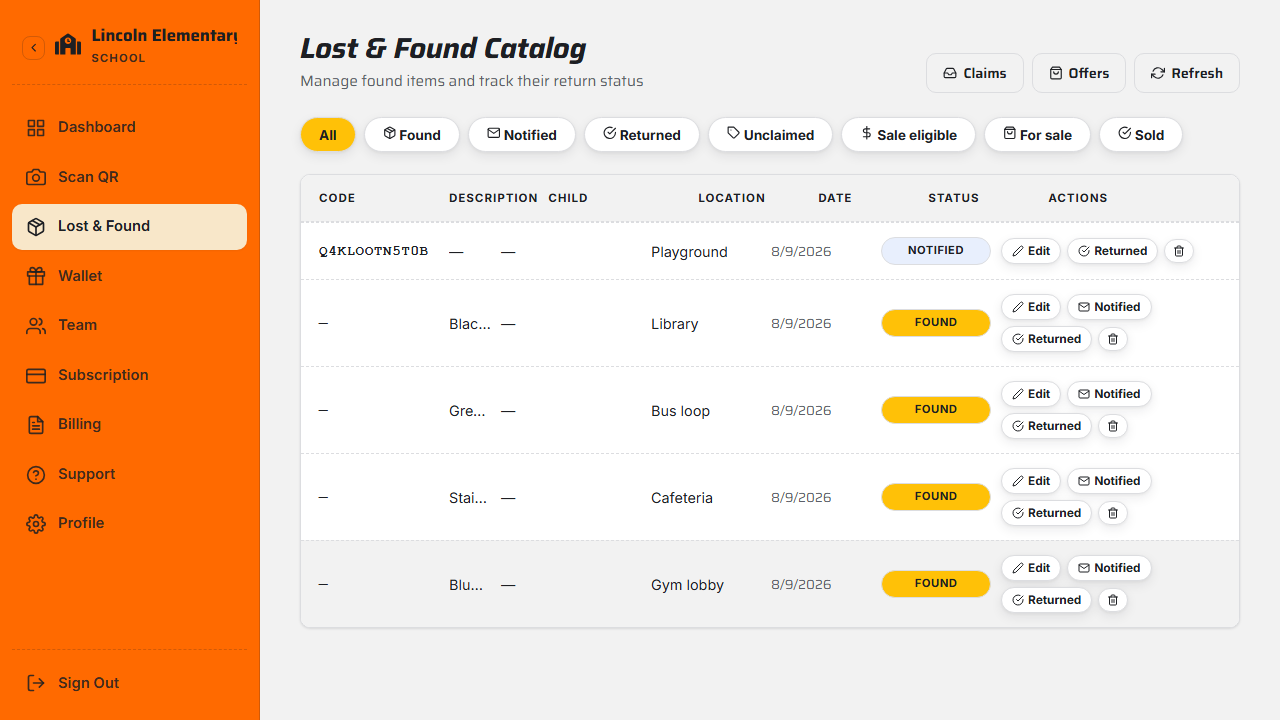
- In Lost & Found, open an eligible item (or filter to Sale eligible).
- Choose List for sale and set an asking price.
- The item's status becomes For sale and it appears in your organization's marketplace for linked families to browse.
Review and accept offers
Buyers can make an offer or buy at the asking price. Open Offers to review them, filtered by status — Pending, Accepted, Paid, Rejected, or Expired. Each offer shows the asking price, the offer amount, and the buyer's details.
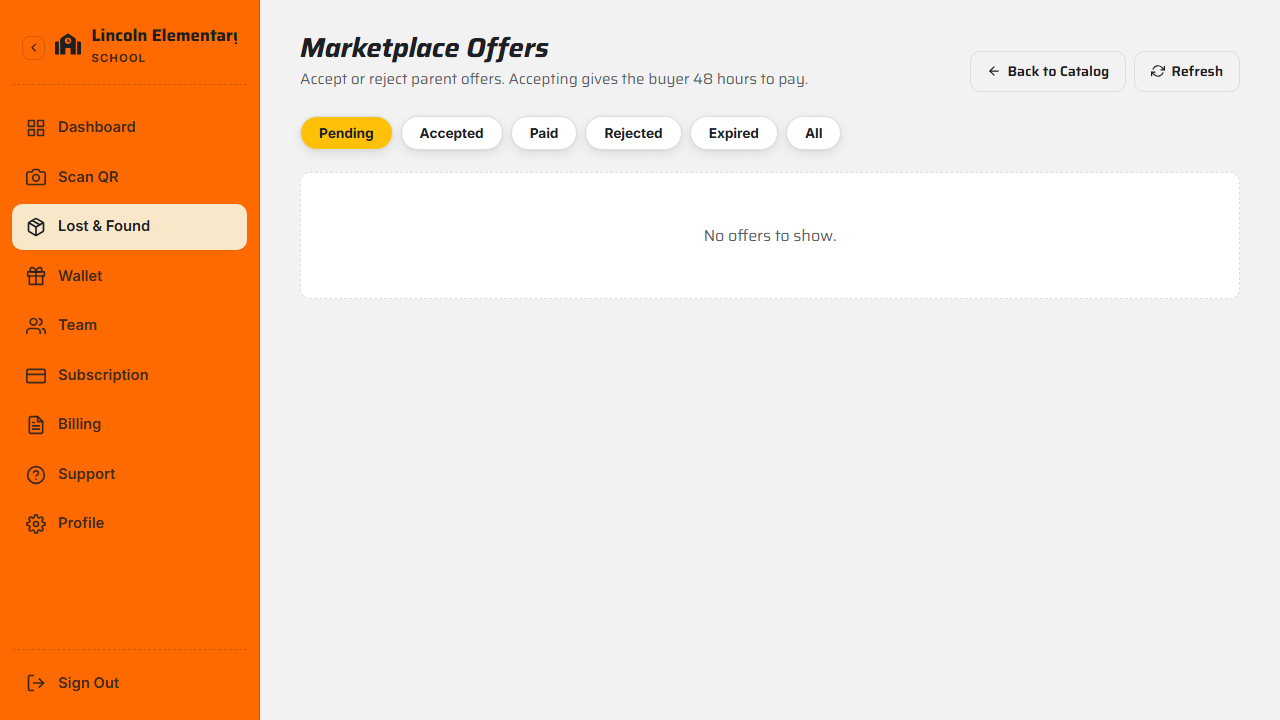
- Accept an offer — the buyer has 48 hours to pay, and other pending offers on that item are automatically rejected.
- Reject an offer — optionally with a reason.
When the buyer pays, the offer is marked Paid and the item Sold.
Sales proceeds flow to your organization's wallet, which you can cash out to your bank. See Tips, wallet & cash-out.
What's next
Still stuck? Contact us — we're happy to help.