The lost & found inbox & item statuses
Your lost & found inbox is the working list of every item you've logged. This is where staff spend most of their time.
Browse and filter
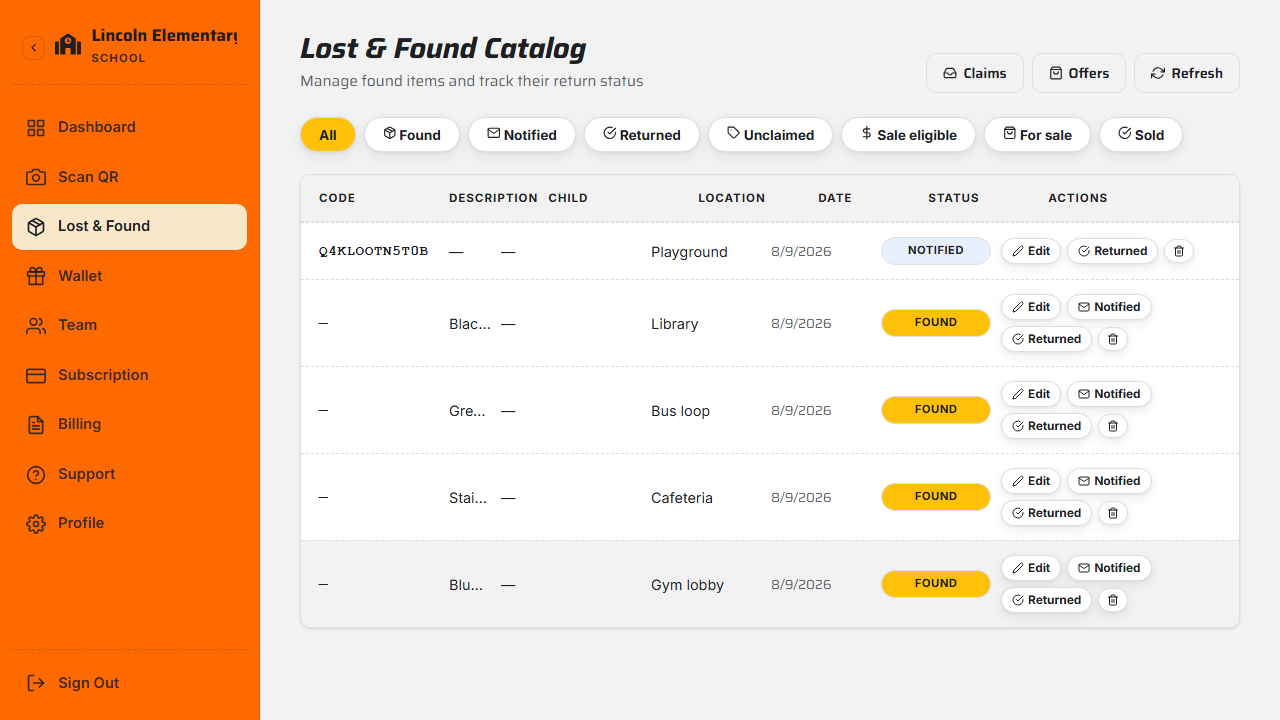
Open Lost & Found to see all items with a thumbnail, description, location, date, and a status badge. Filter to focus on what matters — for example Awaiting pickup, Returned, or items eligible for sale.
Item statuses
| Status | Meaning |
|---|---|
| Found | Logged into inventory, not yet actioned |
| Notified | The linked family has been alerted |
| Returned | Handed back to its owner |
| Unclaimed | Passed your "mark unclaimed after" window |
| For sale / Sold | Listed for resale, or sold (see Resell unclaimed items) |
Edit an item
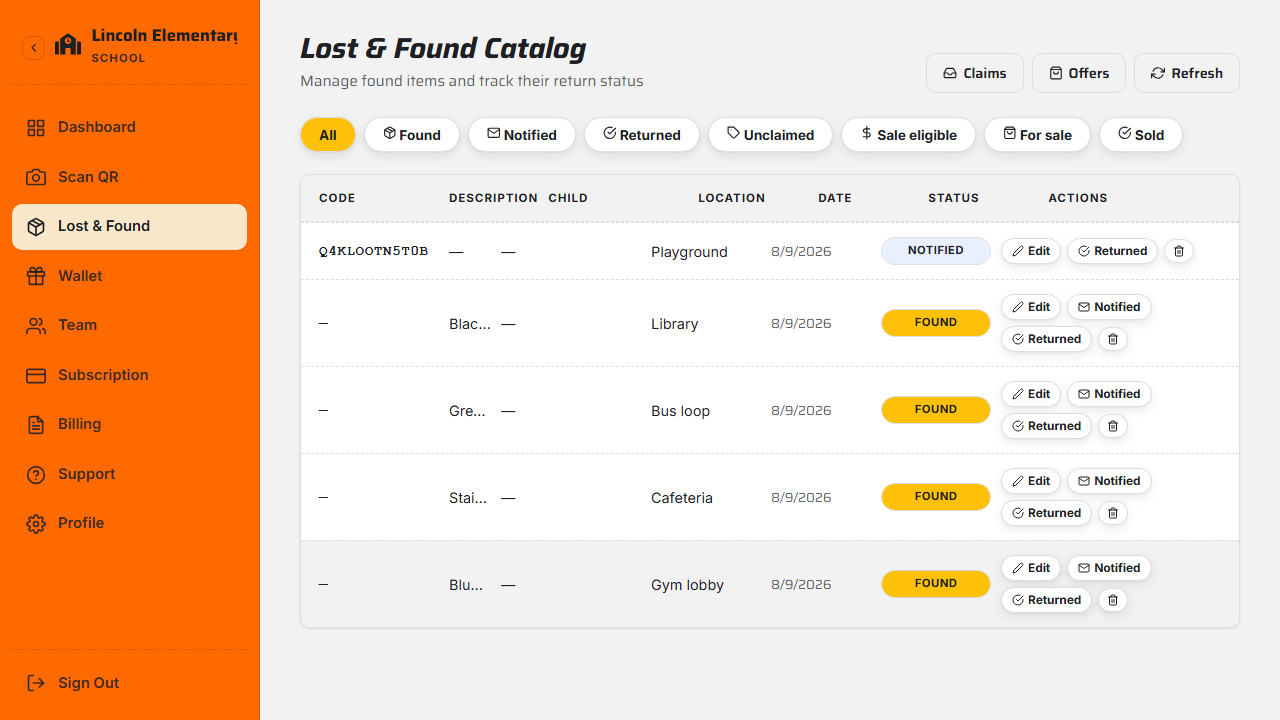
Open any item to update its description, location, notes, or photo, or to change its status — for example mark it Notified to alert the family, or Returned once it's back with its owner.
Keep statuses current
Marking items Notified and Returned as you go keeps your dashboard stats accurate and gives families a clear trail of what happened.
What's next
Still stuck? Contact us — we're happy to help.