Add family & invite a co-owner
Boomeraang is built for families. Add your children so tags and found-item alerts are organized by kid, and invite your partner so you both manage the same tags and get the same notifications.
Add a child
- Go to Family and choose Add family member → Child.
- Enter their details: first and last name, and optionally a photo, date of birth, grade, school, and teacher.
- Save.
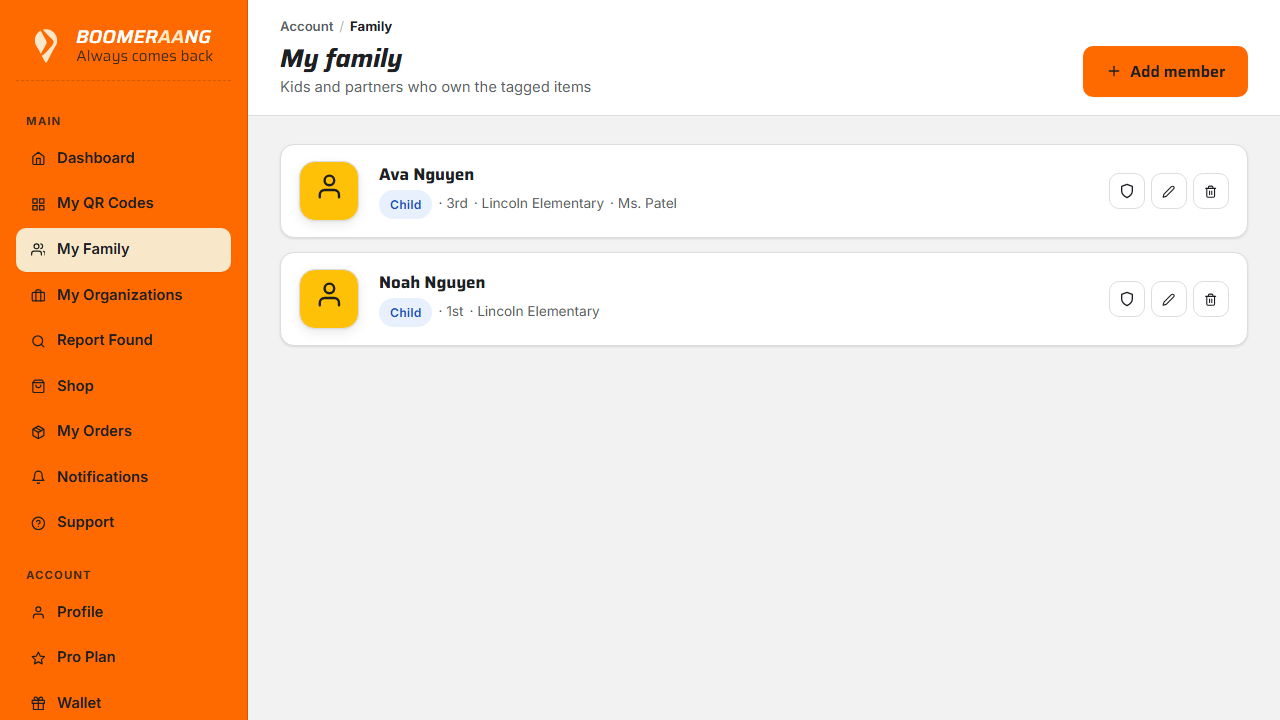
Now, when you create or edit a tag, you can assign it to this child — so a found jacket clearly belongs to Mia, not just "a tag."
Invite a partner (co-owner)
Co-owners share your tags and family and receive the same found-item alerts — perfect for two parents.
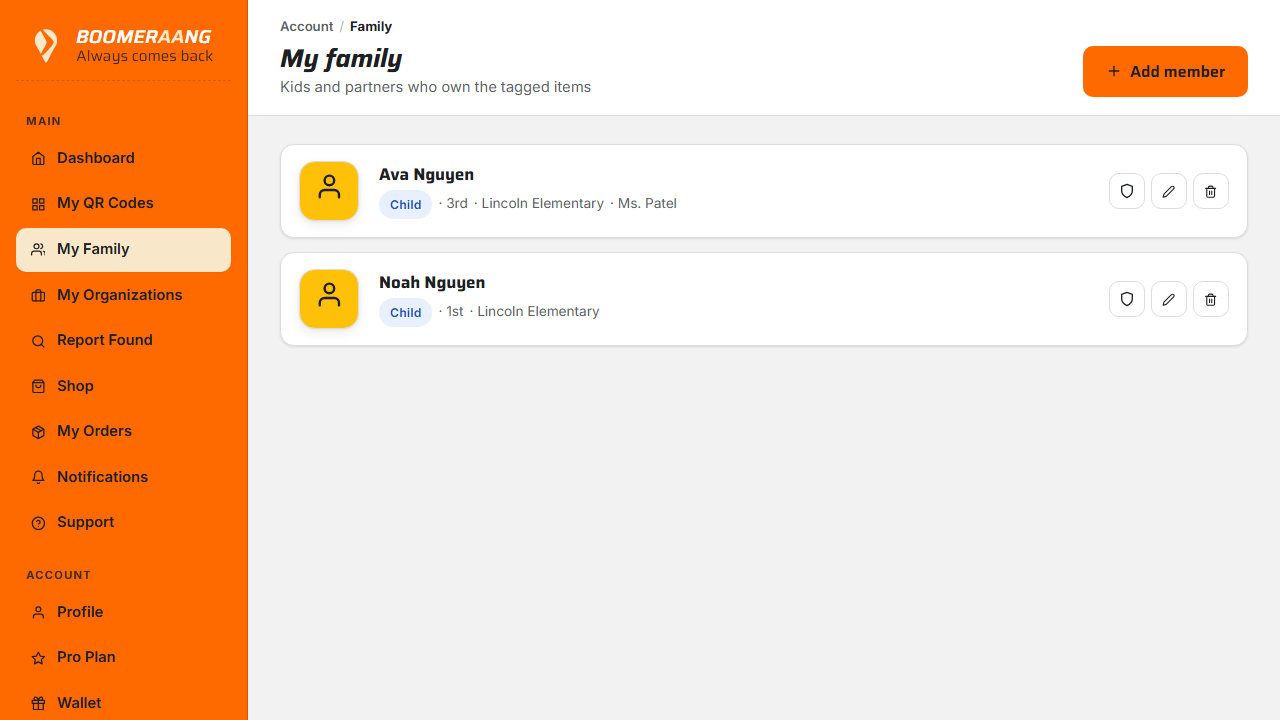
- On the Family screen, choose Add family member → Partner (or Invite to co-own).
- Enter your partner's name and email.
- Send the invite. They'll receive an email with a secure link that's valid for 14 days.
Accepting the invite
Your partner opens the link, signs in or creates their account, and is instantly connected. On the family screen they'll show as a Co-owner. From then on, both of you:
- see and manage all the same tags,
- receive found-item notifications, and
- can send rewards from the shared account.
Co-ownership is free
Inviting a partner doesn't require Pro. Both co-owners share the same plan and tags.
What's next
Still stuck? Contact us — we're happy to help.