Approve claims & return items
When a family believes an item in your inventory is theirs, they submit a claim. Admins and managers review claims and hand items back with a clear record.
Review incoming claims
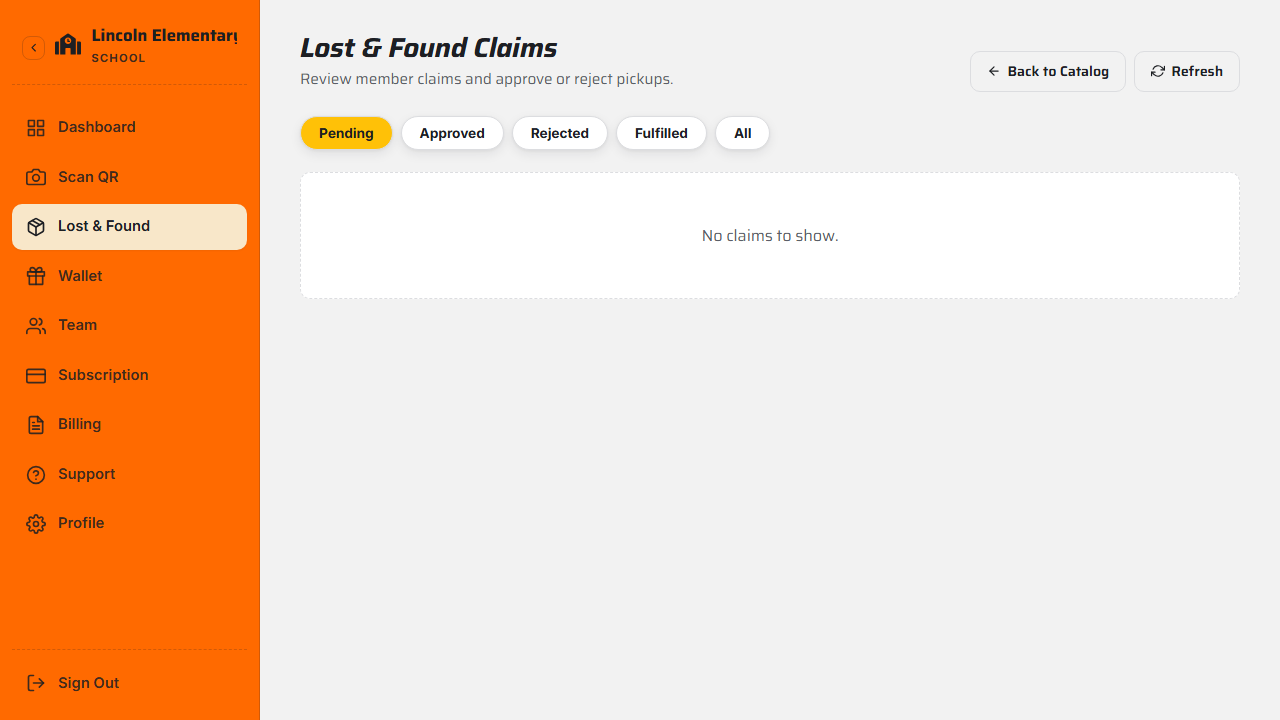
Open Claims to see requests, filtered by status — Pending, Approved, Rejected, or Fulfilled. Each claim shows the item, the claimant's name and email, and their reason (for example, "blue water bottle with a dinosaur sticker — it's my son's").
Approve or reject
- Approve — optionally add pickup instructions (for example, "collect from the front office, 8am–4pm"). The claimant is notified, and any other pending claims on the same item are automatically rejected.
- Reject — optionally add a short reason. The claimant is notified.
Complete the return
When the family collects the item, mark it Returned (or Fulfilled on the claim). Your dashboard's return stats update, and the record is closed.
Grateful families give back
A smooth return often leads to a thank-you reward that lands in your organization's wallet. See Tips, wallet & cash-out.
What's next
Still stuck? Contact us — we're happy to help.