Register a pre-printed Boomeraang tag
Boomeraang also sells pre-printed tags and sticker packs — durable, ready-to-stick QR labels. Registering one links it to your account so scans reach you. This is free on any plan (Free or Pro).
1. Find the code
Every pre-printed tag has a short code printed next to (or under) the QR image. It's a 12-character code like A1B2C3D4E5F6.
2. Register it
- Go to QR codes and choose Register a tag (or Claim code).
- Type or paste the code exactly as printed. The code includes a built-in check character, so a single typo is caught before anything is saved.
- Give the tag a name and, optionally, add the items it covers and assign it to a family member.
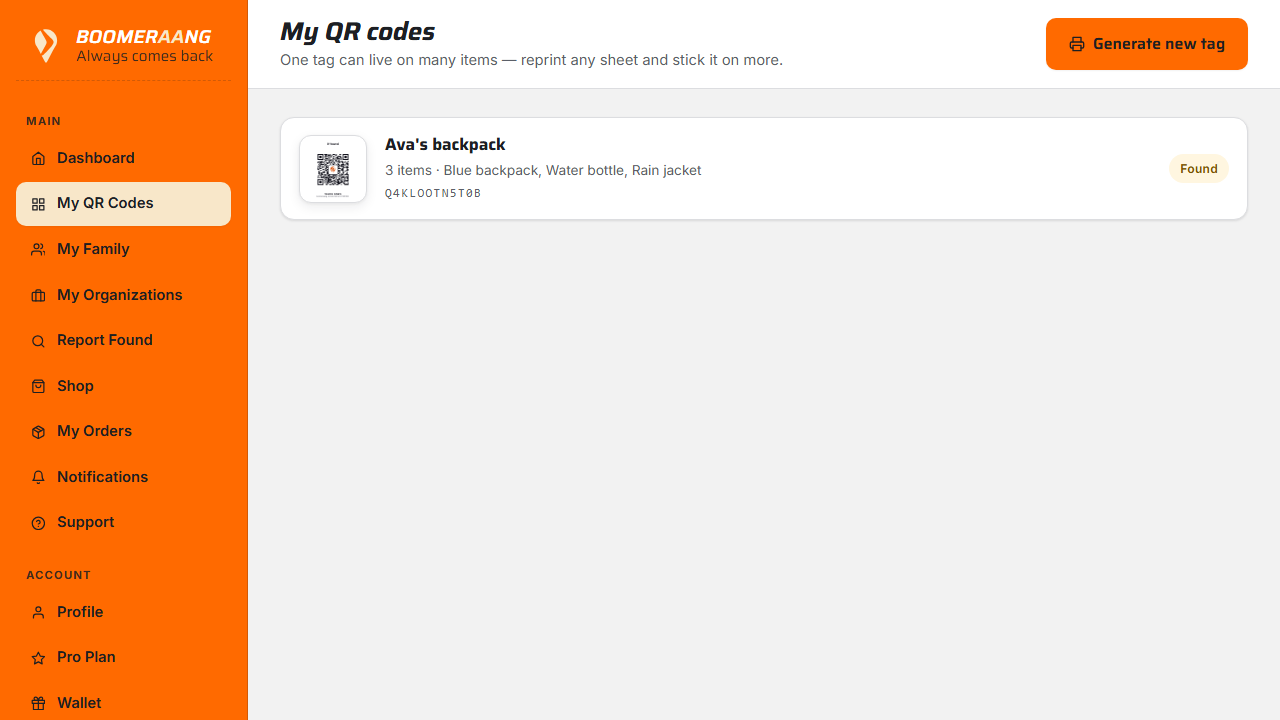
Once registered, a pre-printed tag behaves exactly like one you generated yourself — the same instant notifications and lost-and-found features.
Doesn't count against your quota
Registering pre-printed tags is unlimited and free. It never uses up your Free lifetime tag or your Pro monthly tag allowance.
What's next
Still stuck? Contact us — we're happy to help.