Getting started
Welcome to Boomeraang! This guide gets you from zero to a ready-to-use account in a few minutes. No credit card is required to start.
1. Create your account
- Go to boomeraang.com and choose Sign up.
- Pick the Member role (for parents and families).
- Sign up with your email and a password, or continue with Google or Apple.
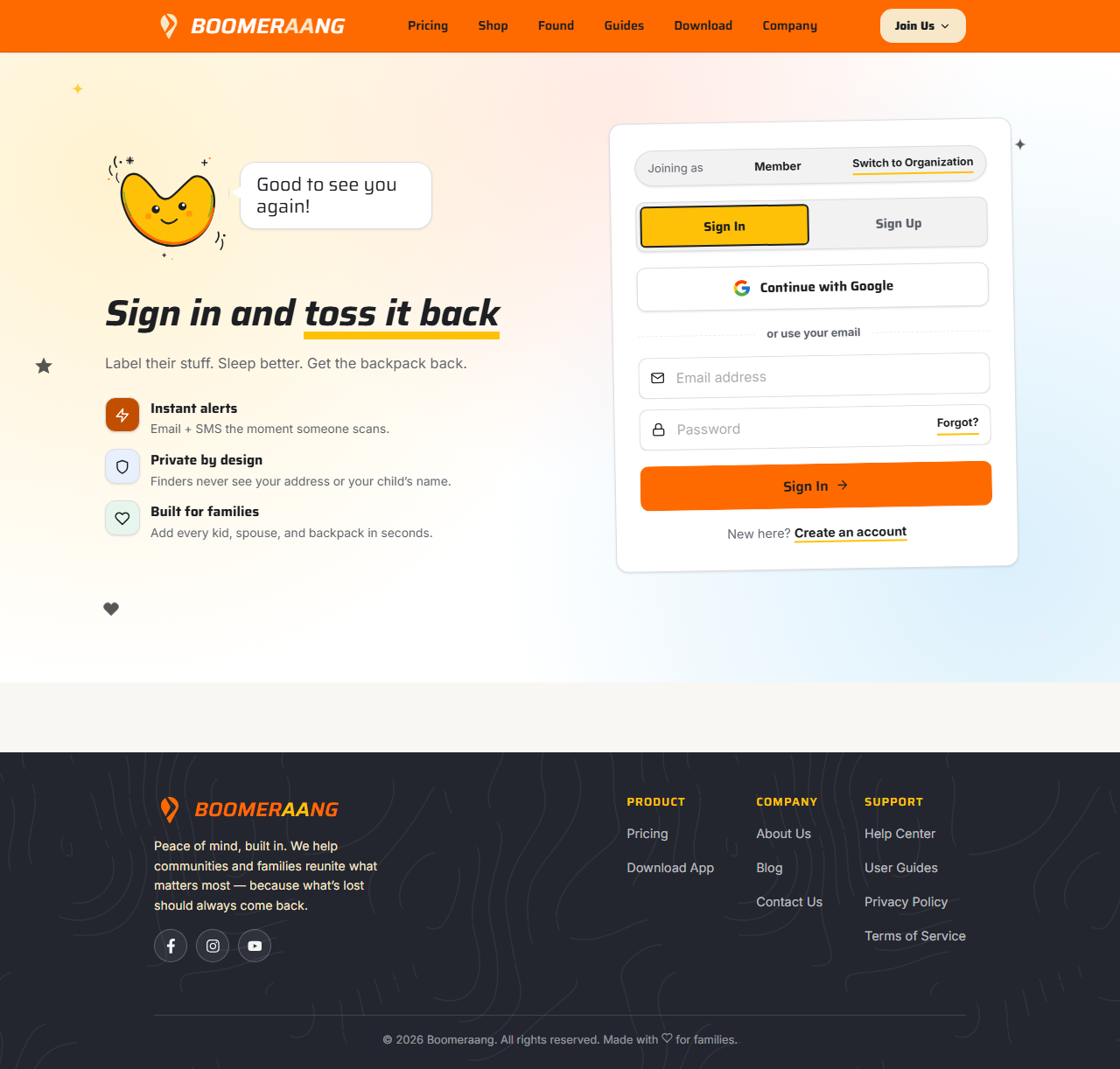
2. Sign in
Already have an account? Choose Log in and enter your email and password (or use Google/Apple). Forgot your password? Use the Forgot password link to reset it by email.
3. Meet your dashboard
After signing in you land on your dashboard — your home base. At a glance you'll see:
- Active tags — how many QR tags you have in use
- Family members — the kids and co-owners on your account
- Items tagged — the total items across all your tags
- Unread alerts — new notifications waiting for you
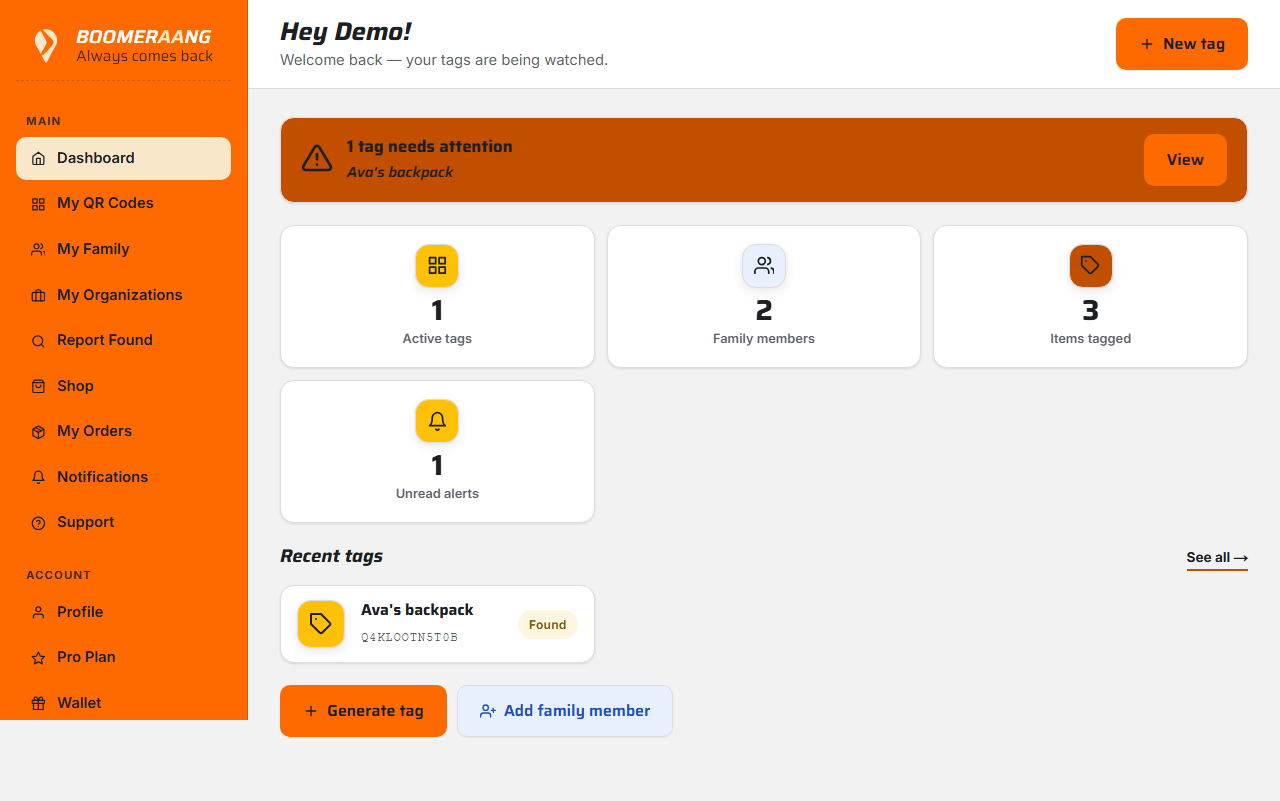
Quick actions along the top let you jump straight to the most common tasks:
- New tag — generate a QR tag
- Add family member — add a child or invite a partner
- Scan found item — report an item you found
- Inbox — read your notifications
- Wallet — check rewards and cash out
What to do first
Most families start by creating and printing their first tag, then adding family members.
What's next
Still stuck? Contact us — we're happy to help.