Notifications & alert preferences
Boomeraang keeps you informed the moment something happens with your tags. Here's how to read your notifications and tune how you're alerted.
Your inbox
Open Notifications to see a timeline of everything: found-item reports, returns from an organization's lost & found, tag registrations, and welcome/system messages. Unread items show a badge so you never miss one.
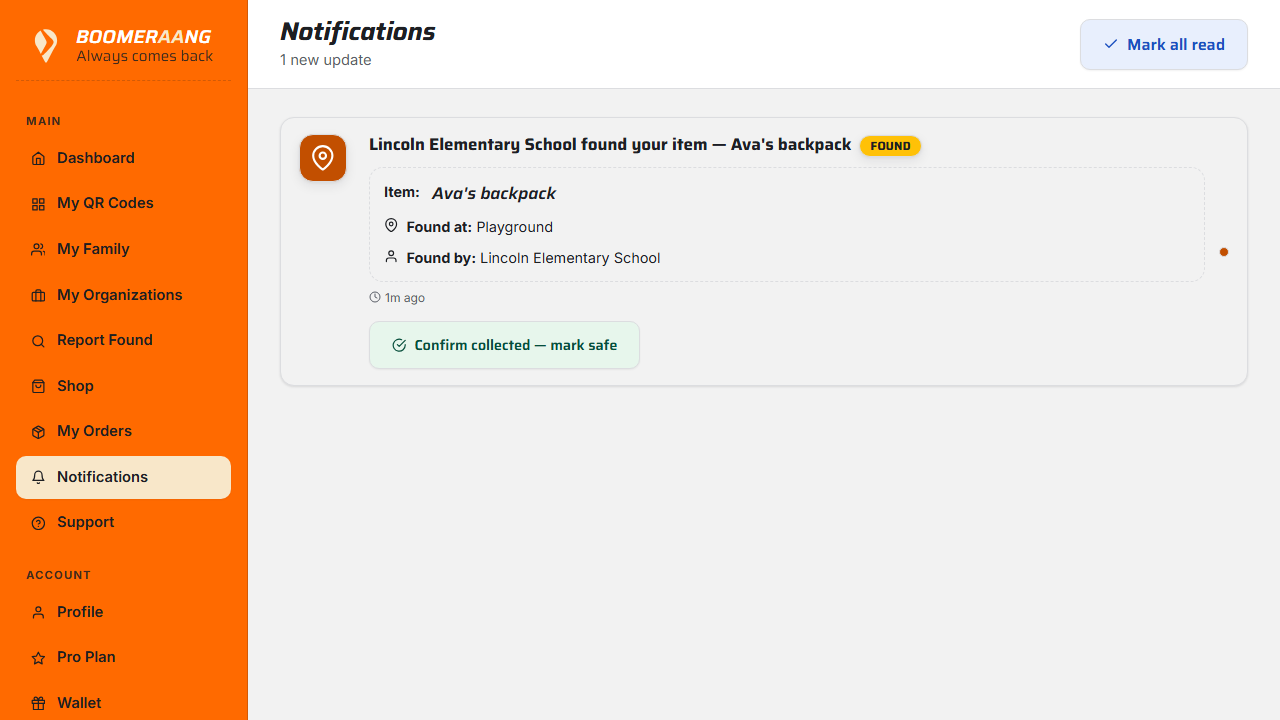
You can mark notifications read individually or all at once, and open any one to see its full details — including a finder's message and location for a found item.
Common notification types
- Found report — someone scanned and reported one of your tagged items.
- Lost & found returned — an organization handed a claimed item back.
- Tag registered — a tag was successfully registered to your account.
- Welcome / updates — onboarding and product messages.
Choose how you're alerted
Go to Profile → Alert preferences to pick your channels — in-app, email, and SMS — so urgent found-item alerts reach you the way you prefer.
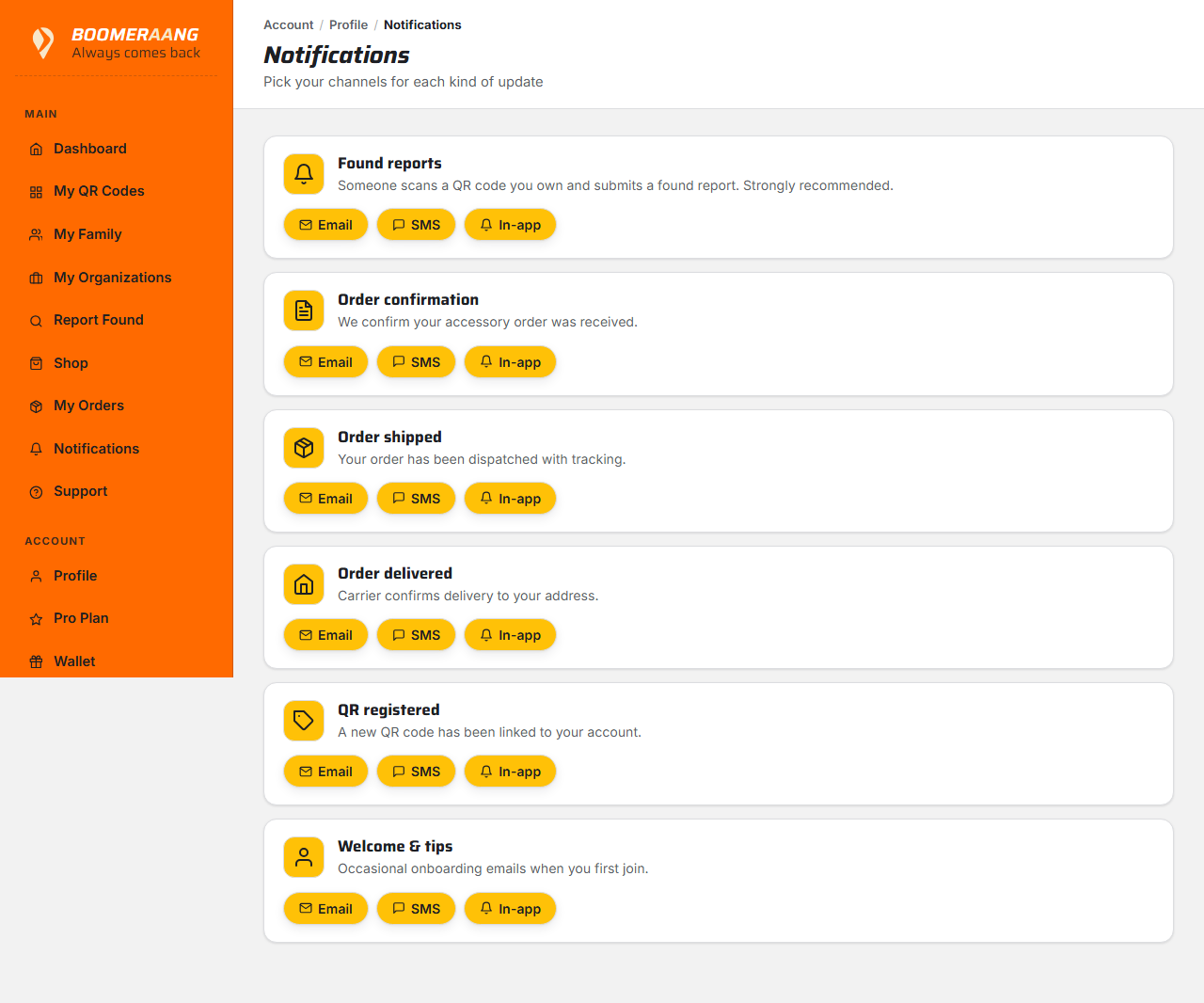
Keep at least one fast channel (push or SMS) on for found-item alerts — that's the notification you'll want the second it arrives.
What's next
Still stuck? Contact us — we're happy to help.