Rewards, wallet & cash-out
When someone returns your child's belongings, you can thank them with a small reward. And if you're the one who returned an item, rewards land in your wallet, which you can cash out to your bank.
Send a thank-you reward
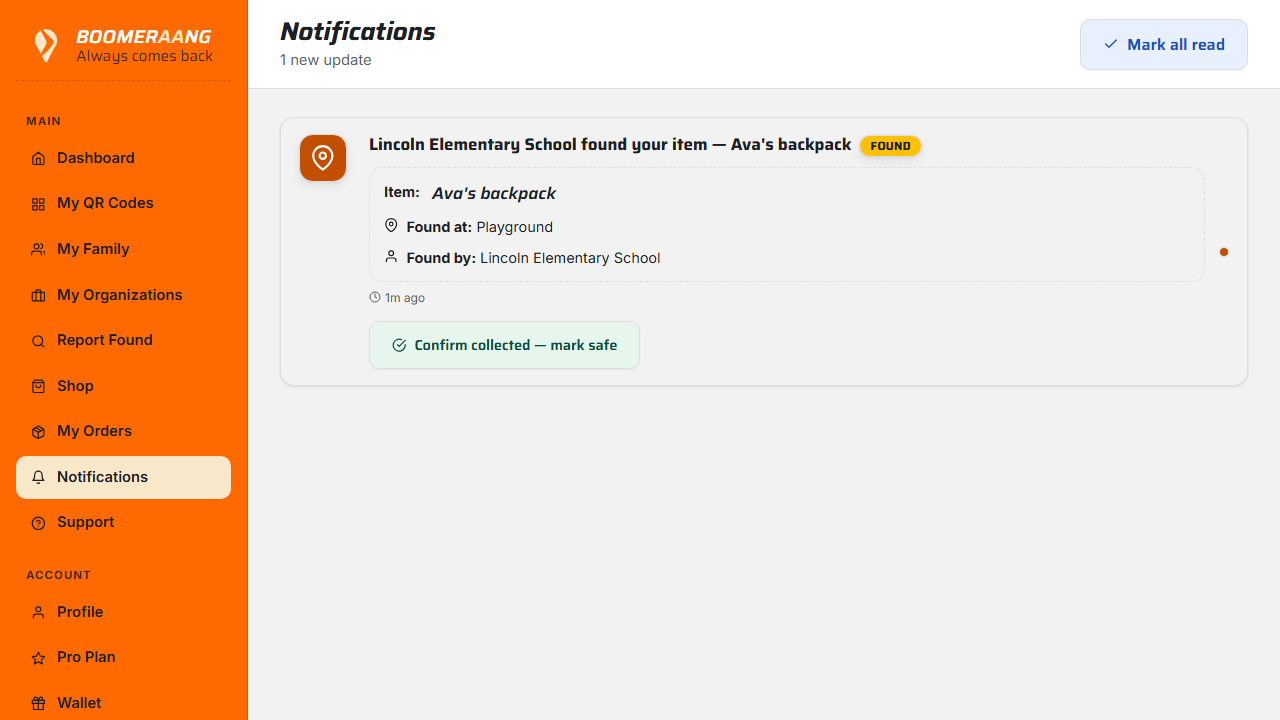
- Open the found-item notification for the returned item.
- Choose Say thanks with a reward.
- Pick an amount — quick options are $1, $2, $3, or $5, or enter a custom amount.
- Optionally add a short thank-you message.
- Confirm with a saved payment method.
Where the reward goes depends on who found the item:
- A registered member — credited to their wallet, with an email confirmation.
- Someone without an account — they get a secure claim link by email (valid for 30 days).
- An organization's staff — credited to the organization's wallet.
No platform fee
Boomeraang takes no platform fee on parent-to-finder rewards. Only the standard payment processing fee (roughly 2.9% + 30¢) applies, and it's shown transparently before you send.
Your wallet
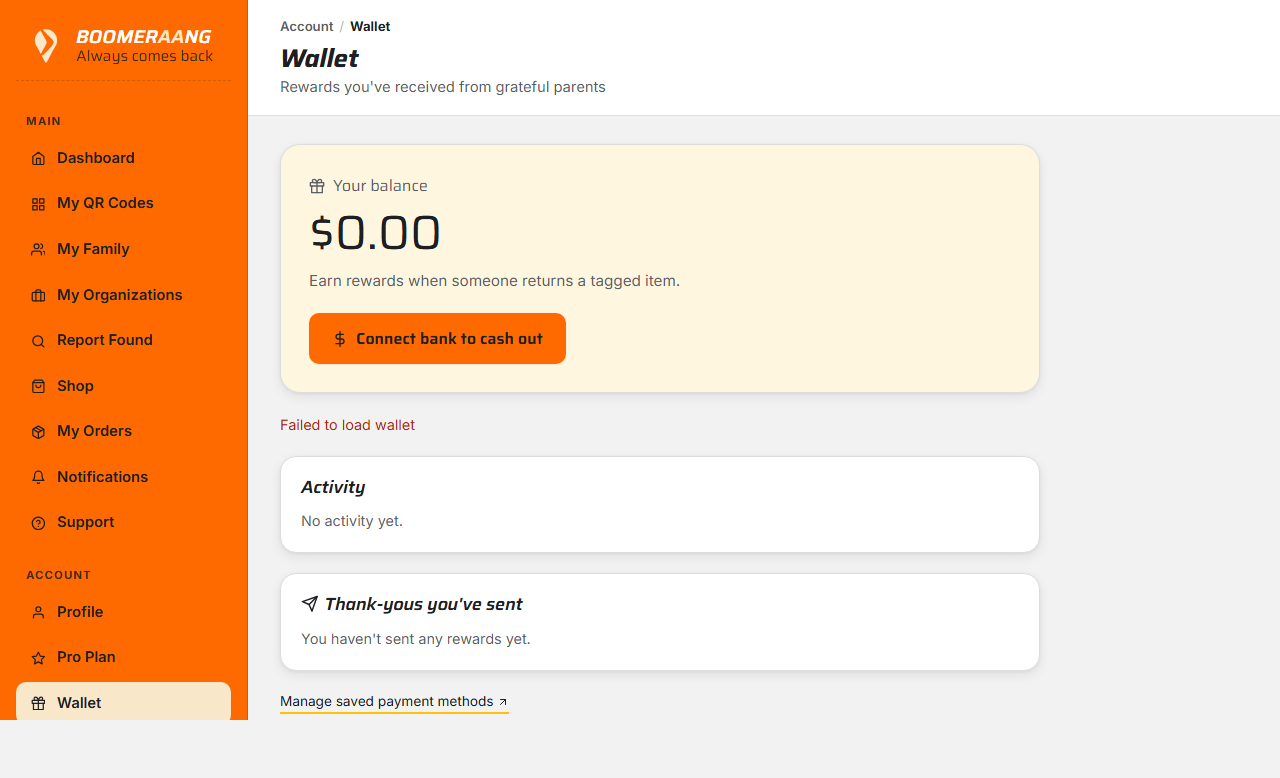
Open Wallet to see your balance and history — rewards received, cash-outs, and any adjustments.
Cash out to your bank
- In Wallet, choose Cash out.
- The first time, you'll complete a short, secure bank setup (powered by Stripe Connect).
- Enter an amount and confirm. Funds typically arrive in 1–3 business days.
$10 minimum
Cash-outs have a $10.00 minimum. Let your balance build up to at least $10 before withdrawing.
What's next
Still stuck? Contact us — we're happy to help.