Mark items lost or returned
Each tag moves through a simple lifecycle so you always know its state. You can update it by hand when something goes missing or comes home.
The tag lifecycle
| Status | What it means |
|---|---|
| Unregistered | The tag exists but has no items on it yet |
| Registered | The tag has items and is active |
| Lost | You've marked an item as missing |
| Found | Someone scanned the tag and reported finding it |
| Returned | The item is back with you |
Mark an item lost
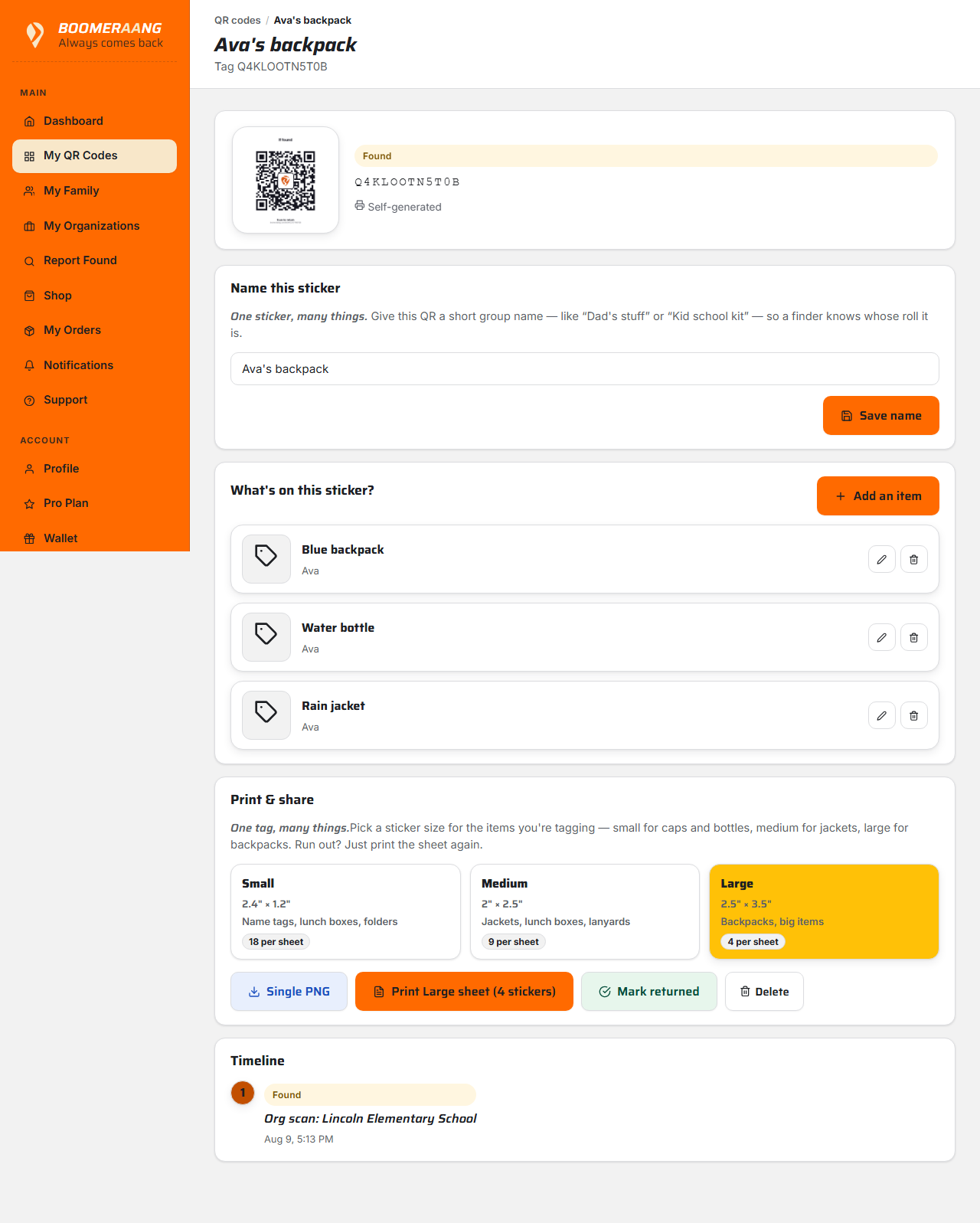
If something goes missing, open the tag and choose Mark lost. You can add a short note (for example, "left at soccer practice Tuesday"). This helps you keep track and provides context if it turns up.
Mark an item returned
When the item is back — whether a finder returned it or you found it yourself — open the tag and choose Mark returned (sometimes shown as Confirm collected). The status moves to Returned.
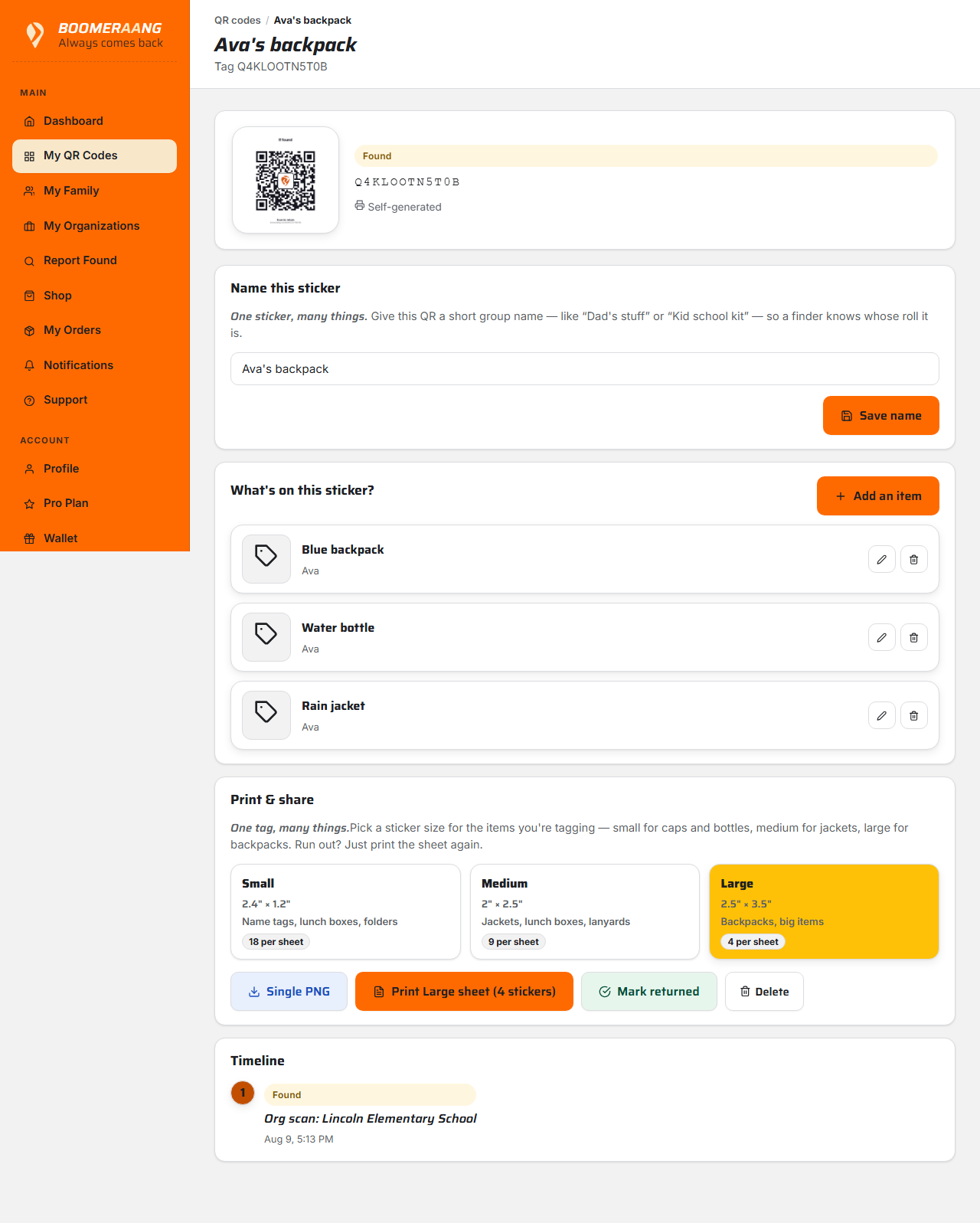
Marking an item lost or returned only updates its status — it never deactivates the QR code. The same sticker keeps working for the next time. And a tag you've created stays valid regardless of your plan.
What's next
Still stuck? Contact us — we're happy to help.